
Fee-free exchange
Exchange currency directly with another person.

Exchange currency directly with other travelers, with no platform fee. We’re also preparing travel eSIMs so you can get online when you arrive.
Exchange currency directly with another person.

Use translation support to confirm details across languages.

Choose a busy public place for your exchange.

Find people who need the currency you have.
Choose a data plan for your next trip when mobile sales open.

List the currencies and amounts you want to exchange, using the reference rate as a guide. Agree on a public meeting place in chat and leave a review after you exchange.
How it works

Select the currencies you have and want, then choose the country and city where you can meet. Check the dated reference rate before entering an amount.

Confirm the currencies, amounts and meeting place. Use chat translation if you need it and choose a well-lit public place.

Mark the exchange complete once you have met and exchanged cash. Report or block users if something seems suspicious.
Enter the amount and select the currencies and country for your exchange. Phone verification depends on local SMS availability.


Phone verification confirms access to a number. It does not verify legal identity or guarantee a safe exchange.

eSIM
We’re preparing travel eSIM plans with Nomad’s network, which covers more than 200 destinations. Plans will be available in the mobile app.

 Local, regional and global coverage
 Plans for different trip lengths and data needs
 Check compatibility in your phone settings
 Install using a QR code
Illustrations show the planned eSIM experience.
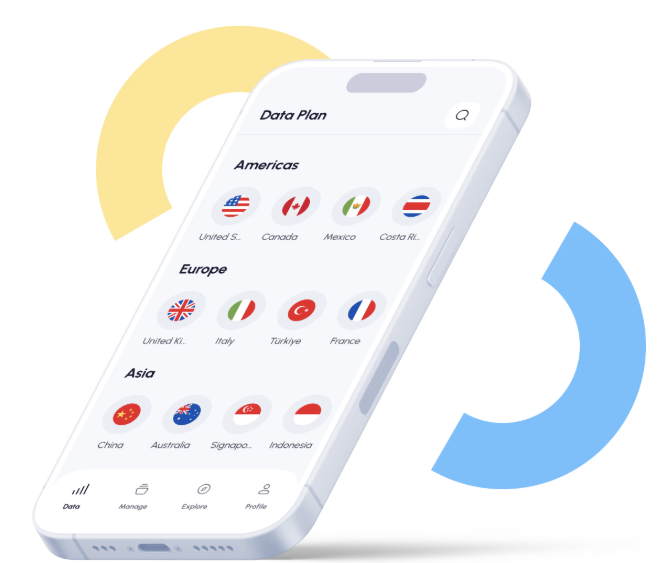
Pick a plan based on your destination, data needs and trip length.
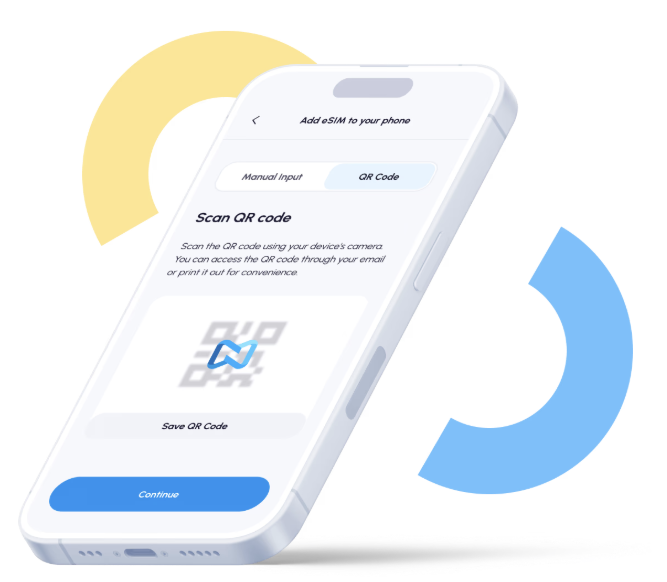
Check that your device is unlocked and supports eSIM, then follow the installation instructions.
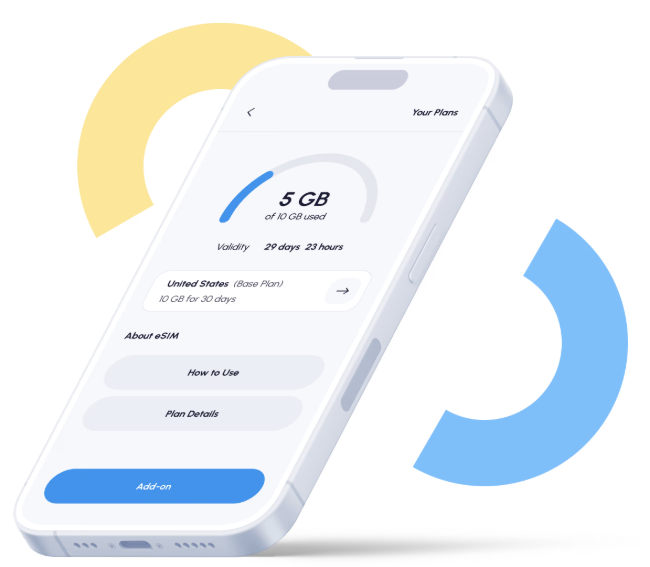
Select the eSIM for mobile data and follow the activation instructions for your plan.
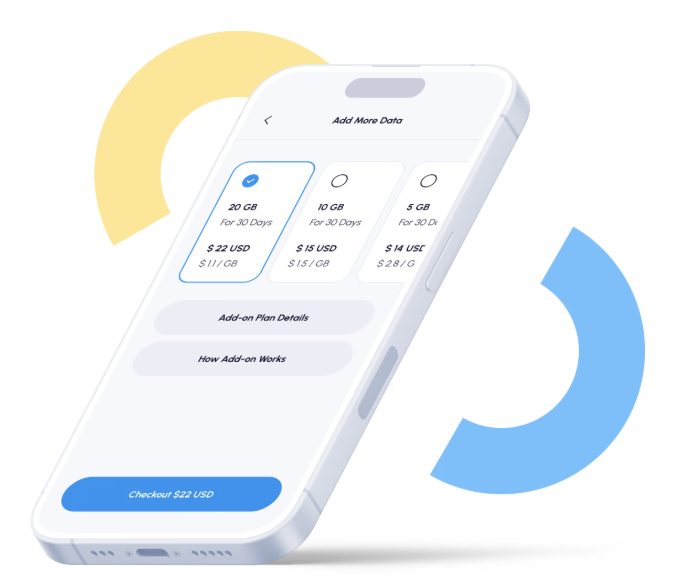
If your eSIM supports top-ups, add more data to the existing eSIM.
Match your allowance and validity to your trip.

Follow the plan instructions to install your eSIM before departure.

Check the cost and included data before you choose a plan.
Some plans let you add data to an eSIM you already installed.
Check how much data is left during your trip.
Look for an option to add an eSIM or a mobile plan. Support can vary by model, region and carrier.
Settings → Cellular or Mobile Data → Add eSIM
Settings → Connections → SIM manager → Add eSIM
Settings → Network & internet → SIMs → Add SIM
Check the SIM or mobile network settings and the device maker’s support page.
Many devices support a physical SIM and an eSIM together. Check the dual SIM options on your model.
An unlocked phone can accept other carriers, but it still needs eSIM support. Check before buying.
Coverage depends on your destination and plan. Check the networks listed for the plan.
Look for Add eSIM in your device settings or check your manufacturer’s support page.
Only compatible Wi-Fi + Cellular models support eSIM. Check your model and region.
An active profile is installed on one device. Use separate plans for simultaneous use on two devices.

Open the app to find an exchange partner and arrange a meeting.
Travel eSIM sales are planned for the iOS and Android apps only.
Open the app